
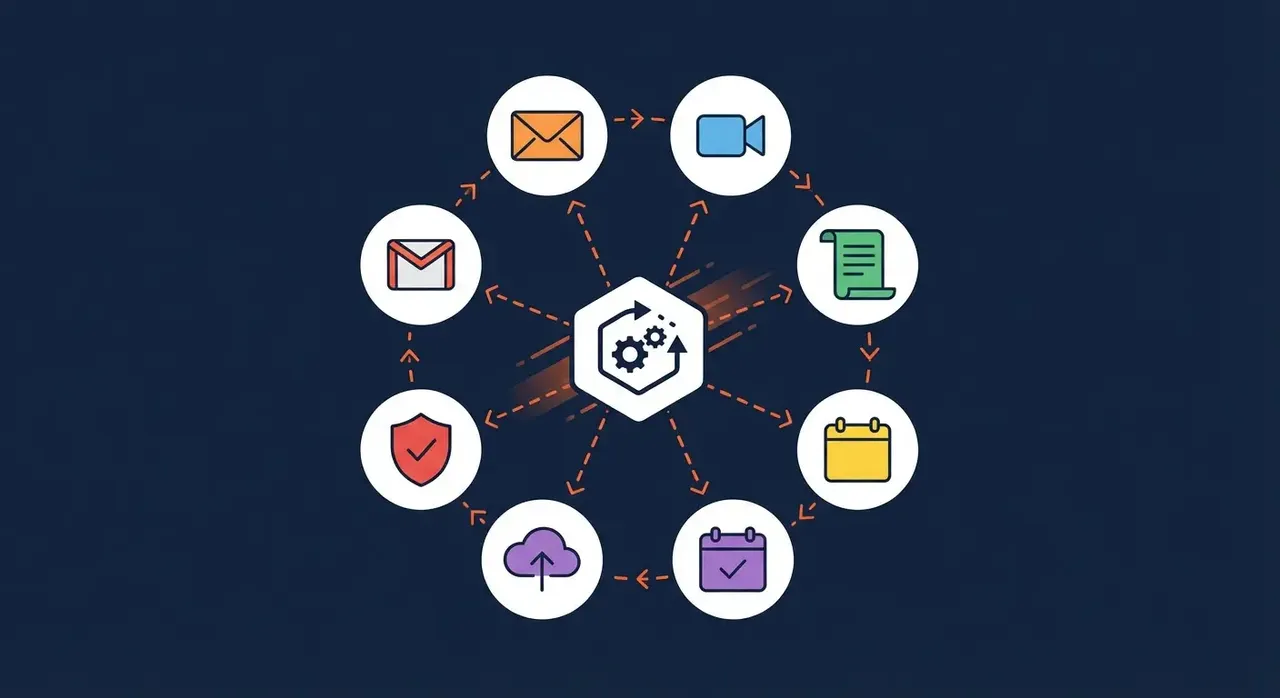
Most small businesses use Microsoft 365 for email. Many also use Word and Excel. But if that’s all you’re getting from your subscription, you’re leaving a huge amount of value on the table.
Microsoft 365 is a complete business productivity platform, and the features that can genuinely transform how your team works are often the ones nobody has switched on yet.
Here’s a practical guide to getting more out of the tools you’re already paying for.
Microsoft Teams: Your New Digital Office
If your team still communicates primarily by email or WhatsApp, Microsoft Teams is a game-changer.
What it does:
- Instant messaging for quick conversations (replacing long email chains)
- Video calls and meetings with screen sharing
- Shared channels for project or department collaboration
- File storage and real-time document co-authoring
- Integration with hundreds of business apps
Quick win: Create a Teams channel for each project or department. Store all related files there rather than in email attachments, everyone always has the latest version.
SharePoint and OneDrive: Ditch the File Server
Many small businesses still rely on a physical server or a messy shared drive for document storage. SharePoint (for shared team files) and OneDrive (for individual files) replace this with cloud-based storage that’s:
For professional firms in Wimborne this is usually the biggest single change: client files in SharePoint with proper permissions instead of a file server and a folder of emailed attachments.
- Accessible from anywhere, on any device
- Automatically backed up by Microsoft
- Collaborative, multiple people can edit a document simultaneously
- Searchable, find any file in seconds
Quick win: Set up a SharePoint site for your business, create folders for each department, and move your most-used documents there. Within a week, you’ll wonder why you didn’t do it sooner.
Learn more about our Microsoft 365 services and how we help businesses get the most from their subscription.
Outlook: Features Most People Don’t Use
You’re probably using Outlook for email. But are you using:
- Focused Inbox, automatically prioritises important emails
- Rules and filters, automate how emails are sorted and processed
- Shared calendars, so the team can see each other’s availability
- Bookings, lets clients book meetings directly from your calendar
Quick win: Set up shared calendars for your team. Scheduling meetings becomes effortless when you can see at a glance who’s free.
Microsoft 365 Copilot: AI That Actually Saves Time
Microsoft’s AI assistant, Copilot, is now integrated across Microsoft 365. For small businesses, the most useful capabilities include:
- Summarise long email threads in a single click
- Draft emails, reports, and proposals from a brief prompt
- Transcribe and summarise Teams meetings automatically
- Analyse data in Excel using natural language
Copilot is available as an add-on to Microsoft 365 Business plans. For businesses that spend significant time on documents and communications, the time savings quickly justify the cost.
Security Features You Should Have Switched On
Microsoft 365 includes powerful security tools that many small businesses never configure:
- Multi-Factor Authentication (MFA), the single most effective way to prevent account takeover
- Microsoft Defender, built-in threat protection for email and files
- Conditional Access, control who can access company data and from where
- Data Loss Prevention (DLP), prevent sensitive information from being sent externally
If you’re not sure whether your Microsoft 365 security settings are correctly configured, our cybersecurity services team can carry out a security audit.
Getting the Most from Your Microsoft 365 Investment
The challenge for most small businesses isn’t access to these tools, it’s knowing which features to enable, how to configure them properly, and training your team to use them consistently.
HGC IT’s Microsoft 365 services include:
- Licensing advice (making sure you’re on the right plan)
- Setup and migration support
- Security configuration
- Staff training and onboarding
- Ongoing management and support
Whether you’re just getting started with Microsoft 365 or looking to unlock features you’ve been ignoring, we can help you get more from the tools you’re already paying for.
Get in touch: [email protected] | View our Microsoft 365 services